How can your Agent handle fraud and chargeback reporting?
Automate daily Visa case-activity reporting with a pragmatic Agent that retrieves client data, names each report and distributes it to the right people.

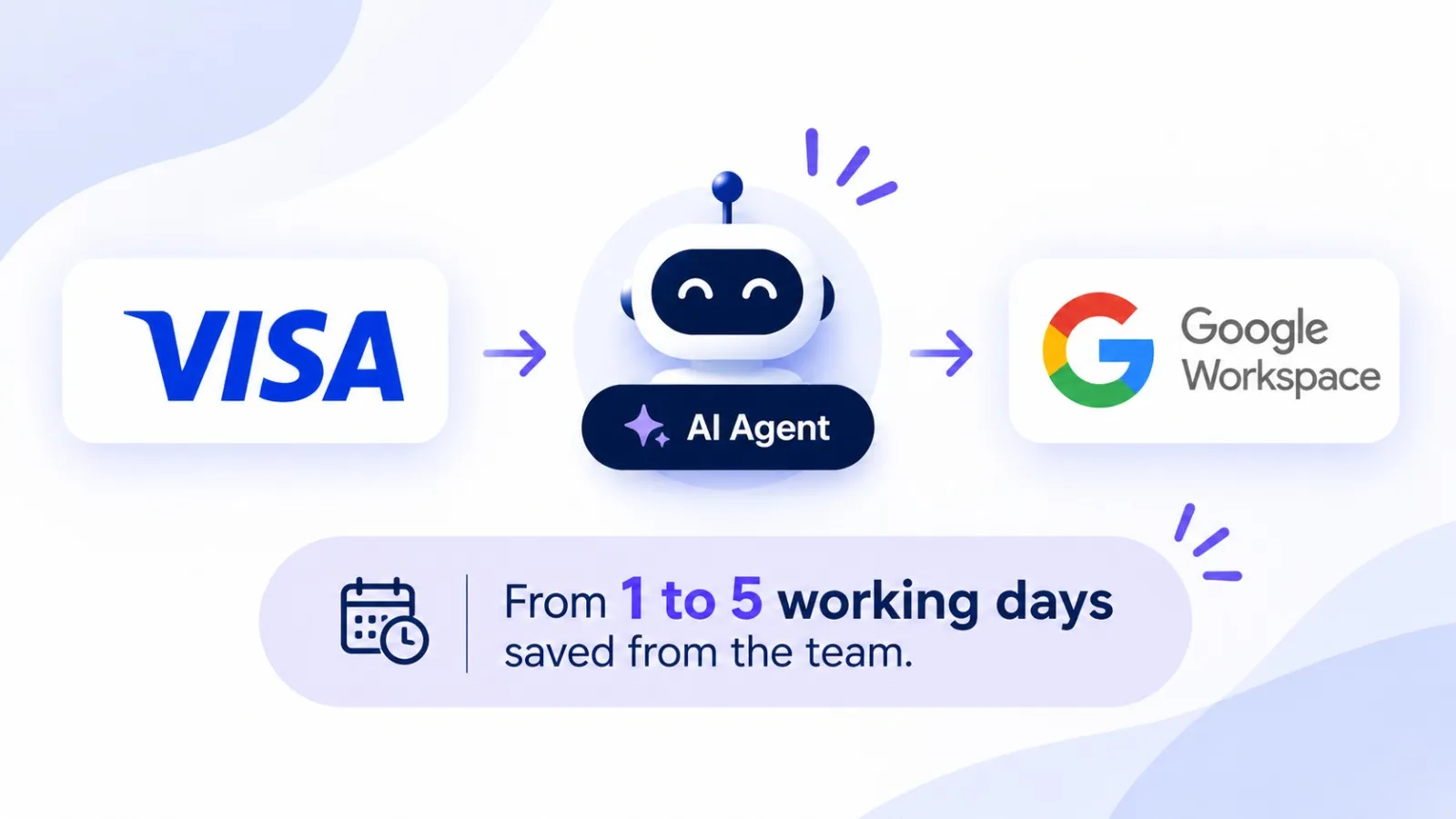
Key takeaways
- The workflow uses the Visa platform for case activity, chargebacks and processed transactions. It also connects to Google Sheets as the source for client names and recipient email addresses, to enable a human review.
- Several filters are applied before the automation searches for each client, keeping the reporting period consistent across the run.
- Each client is handled individually by the Agent and the resulting report is renamed using refined logic before it is emailed to that client.
- Approximately two minutes of processing per client; actual elapsed time depends on each client’s transaction volume and the platform’s response times.
- The workflow avoids navigating between platforms, copying and pasting, long file reviews and email preparation, but still needs exception handling and operational monitoring for verification. A person still makes the judgement calls on outliers.
Short answer: Fraud and chargeback reporting can be handled by an AI agent that connects a Visa case-activity platform with a client list maintained in Google Sheets. The agent logs in, applies the reporting dates, searches each client, downloads and renames the report, looks up the recipient and emails the file with a preconfigured message. Processing takes about two minutes per client and saves the team up to five working days a month, depending on client volume.
| Process | Close & Reporting |
|---|---|
| Industry | Financial services & fintech |
| Systems | Google Sheets, Visa |
| Result | 1 to 5 days saved per month |
Book a demo
See how much of your month-end close an agent can take over.
30-minute call with a finance automation expert.
Book a demoNo commitment · Clutch-verified reviews
On this page
How was fraud and chargeback reporting done before?
Previously, an operator opens the Visa platform, retrieves case-activity data for each client, prepares the files analyzing the different layers of transactions and reconciling them, prepares the client report, and emails it to the relevant client. The same sequence is repeated client by client, making the task repetitive and time-consuming when the client list is long, with long hours of review and reconciliation.
The work spans two systems with different roles. The Visa platform is where the case-activity report is generated, Google Sheets holds the client metadata and, according to the specific workflow, the contact information associated with each client. The operator acts as the link between them by copying names into the search field and transferring the resulting files into outbound emails.
The operational risk is not limited to time spent clicking through screens. A wrong date range can produce an incomplete reporting period, a misspelled client name can return the wrong search result, and a report attached to the wrong email can cause a data breach.
How does the automated workflow work?
The AI Agent follows the same business sequence as the human operator, but executes repeated interface actions according to predefined rules. It does not replace the Visa platform or the client register, it operates across them.
1. Authenticate to the Visa platform
At start, the AI Agent navigates to the relevant Visa platform and enters the configured login details. Access therefore depends on the account remaining valid and the platform continuing to present a login flow the AI Agent can handle. Credential storage, multi-factor authentication, session expiry, and access permissions should be addressed during implementation.
2. Set the reporting window
The AI Agent populates the platform’s filters, like date and sorting fields before retrieving client reports. Applying the date filters at the start might seem a detail but as we know, the devil is in the details and it establishes a much faster reporting window for the run due to a lower amount of data. Also production implementation should define whether the dates represent a calendar day, the previous business day, or another period, including the relevant time zone and treatment of weekends or holidays. These business rules must be confirmed with the process owner rather than assumed. These are small but impactful lessons we have learned over the years and across projects.
3. Read the client list and search each client
The AI Agent opens a Google Sheet containing client information, copies anything required (here IDs), returns to the Visa platform, enters it into the client search field, and selects “Search”. It repeats this sequence for each client. This is a sequential workflow, meaning that each search is associated with one client and the report generated for that search is handled before moving through the remaining list. This enables better security management even if the data is then at some point gathered for repository, analysis and for reconciliation.
Google Workspace is also the lookup source for email addresses later in the process. This makes the quality of the client register important because client names need to match what the Visa platform expects and the corresponding email address must be current.
A robust implementation defines what happens when a row has a blank name, a duplicate entry, no email address, or a search that returns no report.
4. Download, rename, and distribute the report
After the platform generates the client’s report, the AI Agent downloads it and names the file using predefined naming logic. It then returns to Google Workspace, finds the email address associated with that client and sends the report with an agreed message. The process repeats for the remaining clients, producing a separate report-and-email sequence for each one.
The file name rule is an important control point because it can make reports easier to identify and reduce ambiguity when files are stored or reviewed later.
The exact filename pattern should be documented as an implementation decision, for example whether it includes the client identifier and reporting date. The same applies to the email subject, message text, sender account and whether sent messages or downloaded files are archived.
What should a reliable implementation validate?
Handling the “happy” path is only part of making a reporting process dependable. Because the workflow handles client-specific data and sends attachments externally, the implementation should define explicit checks for steps where a failure could lead to a missing report or misdirected email.
- Client Register validation: confirm that the client listing can be opened and required client-name and email fields are populated.
- Search Check: verify that the platform has returned a result for the current client before downloading or proceeding.
- File handling: confirm that a report was downloaded and renamed successfully and that the file corresponds to the client currently being processed.
- Recipient matching: resolve the recipient from the same client record used for the search; do not rely on a manually retained email address from a previous iteration.
- Email outcome: detect whether the communication has been sent and record enough information to identify clients that need a retry.
- Exception handling: decide whether an individual failure should be logged and skipped, retried, or stop the entire run.
- Access and confidentiality: restrict access to credentials, reports, the client register and execution logs that may contain client information.
These are recommended controls for this type of process. The appropriate design depends on the Visa platform’s behavior, the organization’s security requirements and the consequences of a missed or misdirected report.
What results can you expect?
The result you can expect is approximately two minutes of processing per report. Total runtime varies with the volume of data, the Visa platform’s response time, report-generation and download delays, and any retries or exceptions.
In this case, the main operational benefit is the removal of repetitive, client-by-client navigation and manual report distribution. Once configured, the AI Agent can perform the same sequence consistently and can run on days when the team is off. This gives the team more capacity to focus on exceptions, risk analysis, and work that requires judgement rather than routine reporting requirements.
1 to 5 days saved per month
When is this automation a good fit?
This workflow is a good fit when a team must retrieve reports with a heavy amount of data on a recurring schedule, the source platform exposes the required data through a stable interface and client names and email addresses are maintained in a structured register. It is particularly useful when the reporting steps are predictable but consume staff time through repeated navigation, copying, downloading, renaming, and emailing.
Results
- Industry
- Payment Industry
- Process automated
- Daily Visa fraud and Chargeback case-activity reporting, including client searches, report downloads, file renaming, recipient lookup, and email distribution.
- Before
- Manual, repetitive processing for each client, taking hours of staff time each day.
- After
- Approximately 2 minutes of processing per client and up to 5 working days saved for the team each month.
- Volume
- Daily reporting across multiple clients. Time saved depends on each client’s volume.
- Systems
- Visa platform, Google Workspace and email.